We get this question a lot, and we’re glad people ask it.
Like you, we care about Google’s SEO requirements, and Squirrly SEO is built to help you optimize your WordPress website the way Google asks.
Short answer: yes, Squirrly SEO follows Google’s requirements for SEO.
Here’s how.
1. On-Page SEO with the Squirrly SEO features

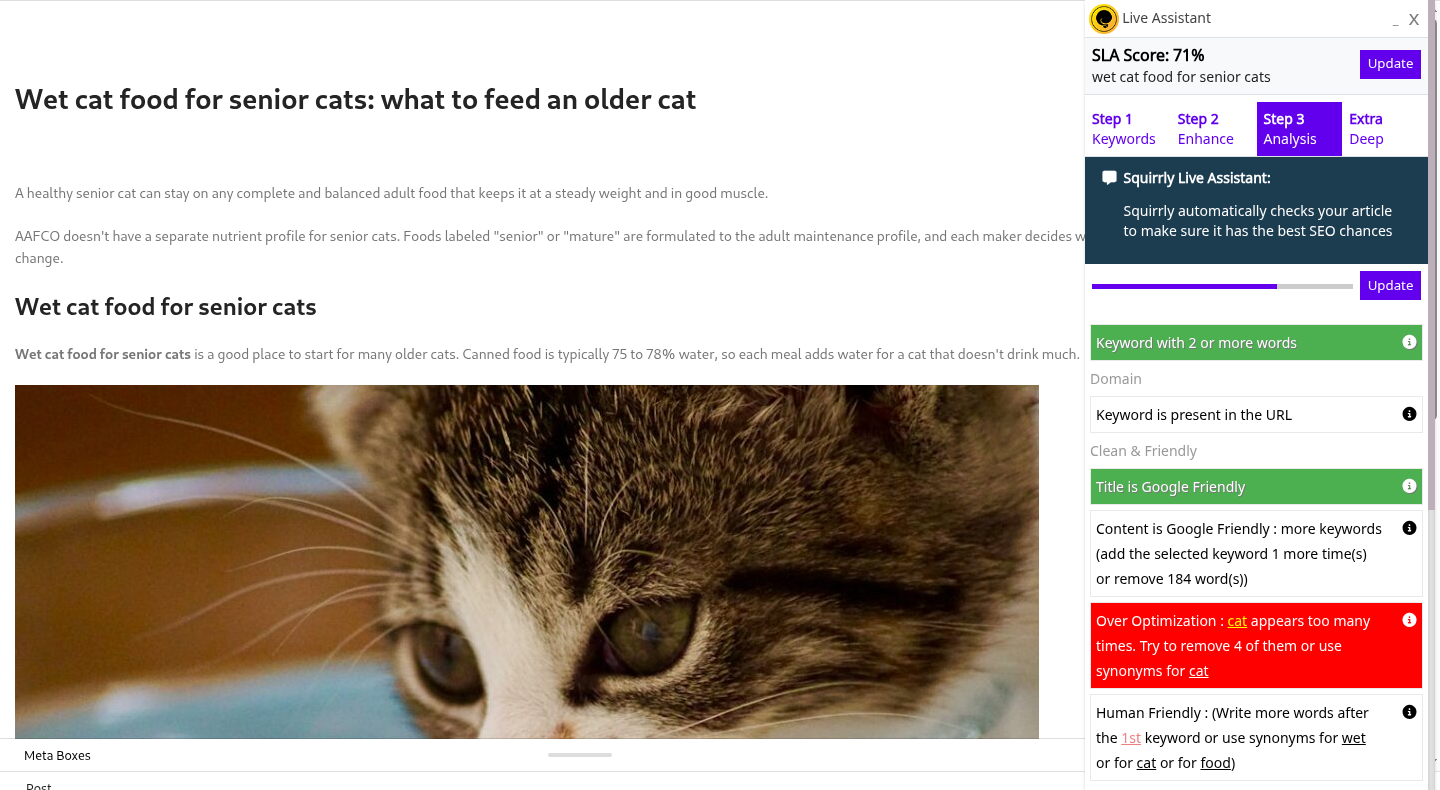
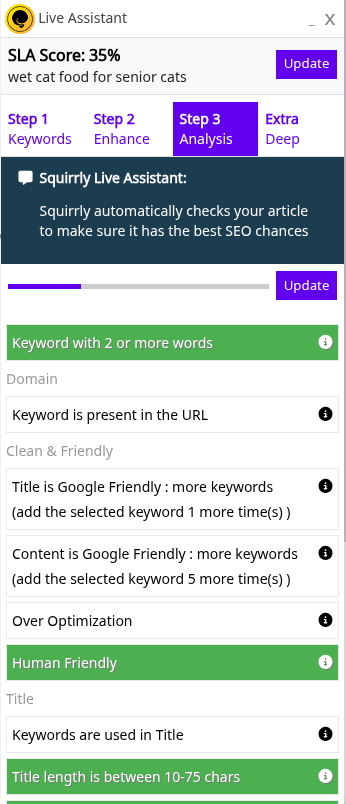
The Live Assistant is the feature that helps you optimize your posts for both people and search engines.
It’s called the Live Assistant because it tells you while you type whether a part of the article is done right or needs a fix.
One of Google’s main guidelines is to make pages for users first and for search engines second. The Live Assistant checks your post against that as you write.
Here are the main things it checks:
- The presence of your main keyword in the title tag;
- If you used the keyword in the URL;
- Gives you the ability to create SEO-friendly URLs. Google prefers a simple URL structure;
- Checks if you used the keyword in a subheading (H2 tag);
- Checks to see if you used the keyword in the Alt text of the images;
- Warns you if you have over-optimized your post. Keyword stuffing is a practice that can get your site penalized by Google;
- Tells you to use the keyword in the introduction of your post.
Read more in the Squirrly SEO Live Assistant guide.
2. XML Sitemap
The sitemap is a file that lists the pages on your site and how they are organized. Google’s general guidelines ask you to give search engines a place where all the important links of your site are listed.
Bots read this file so they can crawl your site better. The sitemap also holds data about each page, such as:
- When it was last updated;
- How often it changes;
- Its importance relative to other pages on the site.
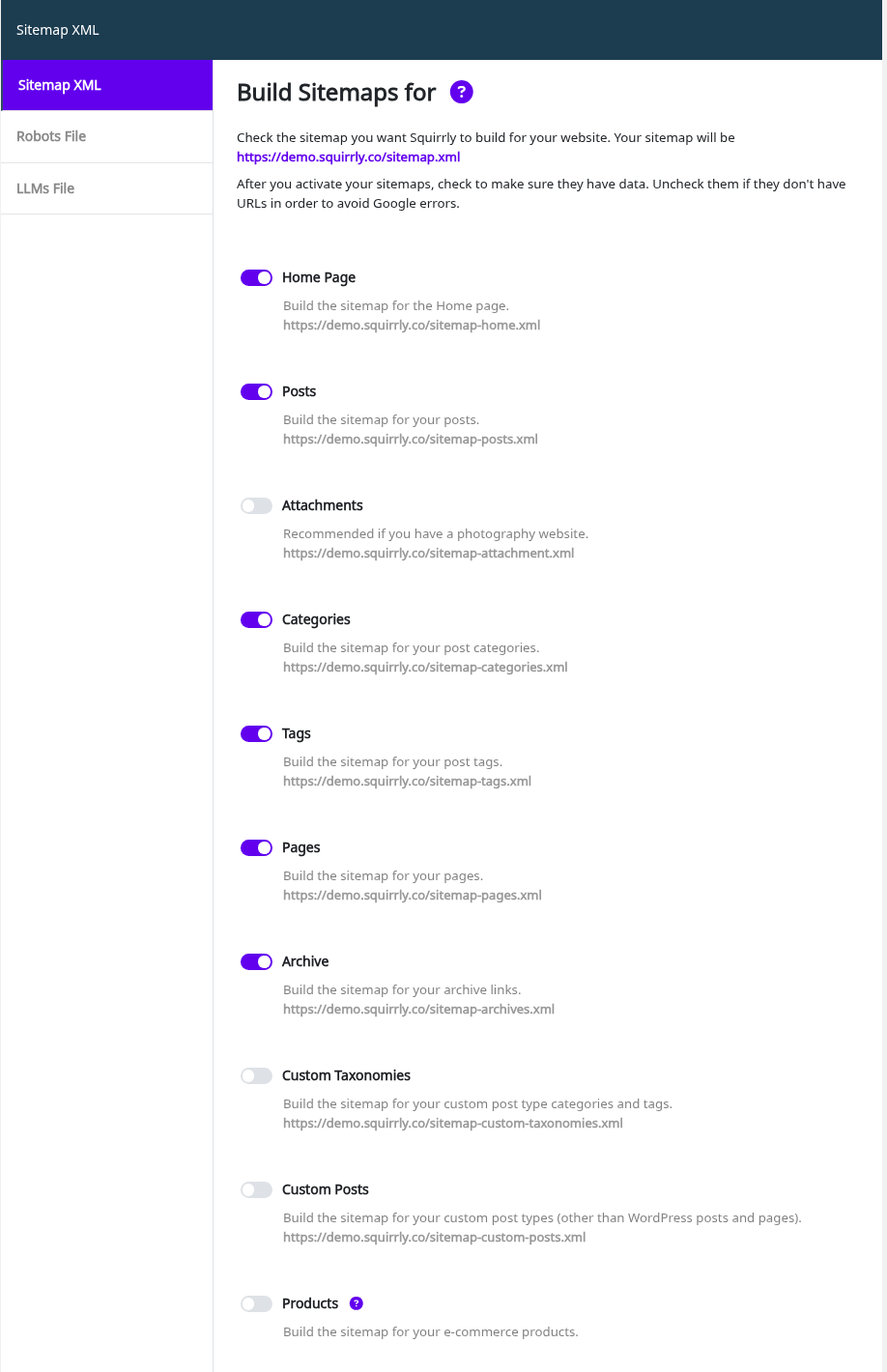
Squirrly SEO builds the XML Sitemap for you in Squirrly > Technical SEO > Tweaks & Sitemaps > Sitemap XML. There you select which post types go into the sitemap, and (in the SEO Expert view) whether to include images and videos.
That way, Google learns the structure of your site and the content you publish. The settings are explained in Sitemap XML Settings.
3. Keyword Research
For SEO on Google, it also helps to pick a keyword that fits your site and that you can rank for.
If you choose a very competitive keyword, your post won’t rank high in search results, people won’t find it, and it won’t bring visits.
Google suggests thinking about the words your audience would use when they search for the type of content you want to create.
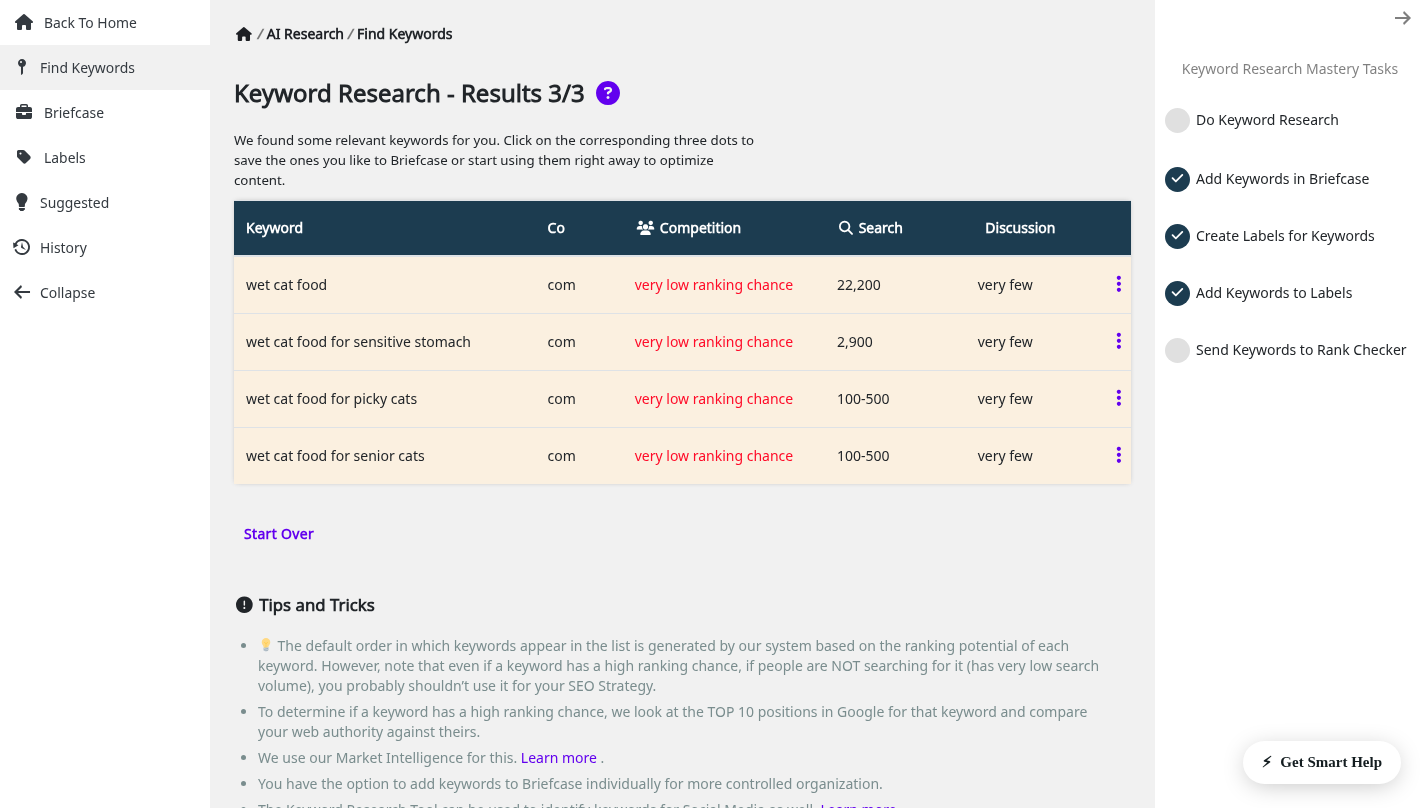
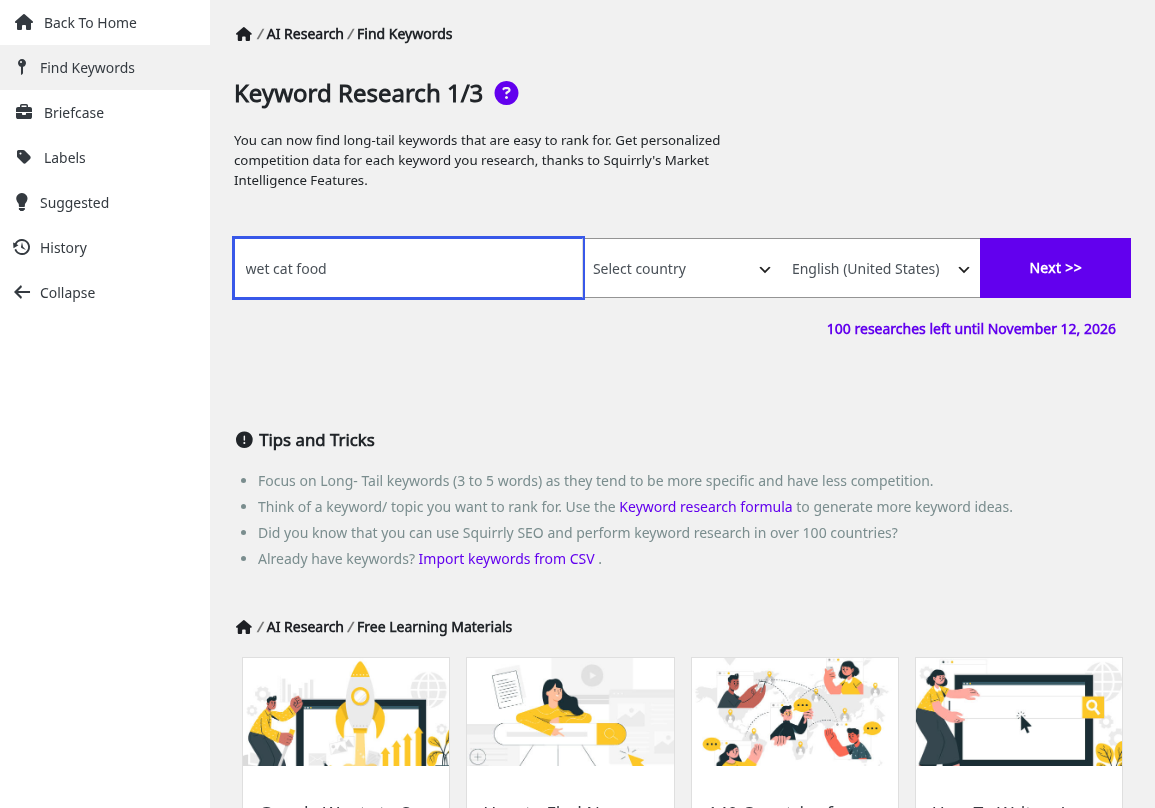
If you don’t know where to find these words, use Squirrly > AI Research. It gives you keyword suggestions you can use in your article.
With Squirrly’s Keyword Research, you can find keywords your site can actually rank for, without spending months on backlink work.
Measure your site’s success with the Squirrly SEO features
We check regularly whether Google has published new requirements or updated the ones it already had.
Whenever something changes, Calin, our CTO, starts working on the changes the plugin needs to follow Google’s guidelines. All the updates are listed in the changelog on the WordPress directory.
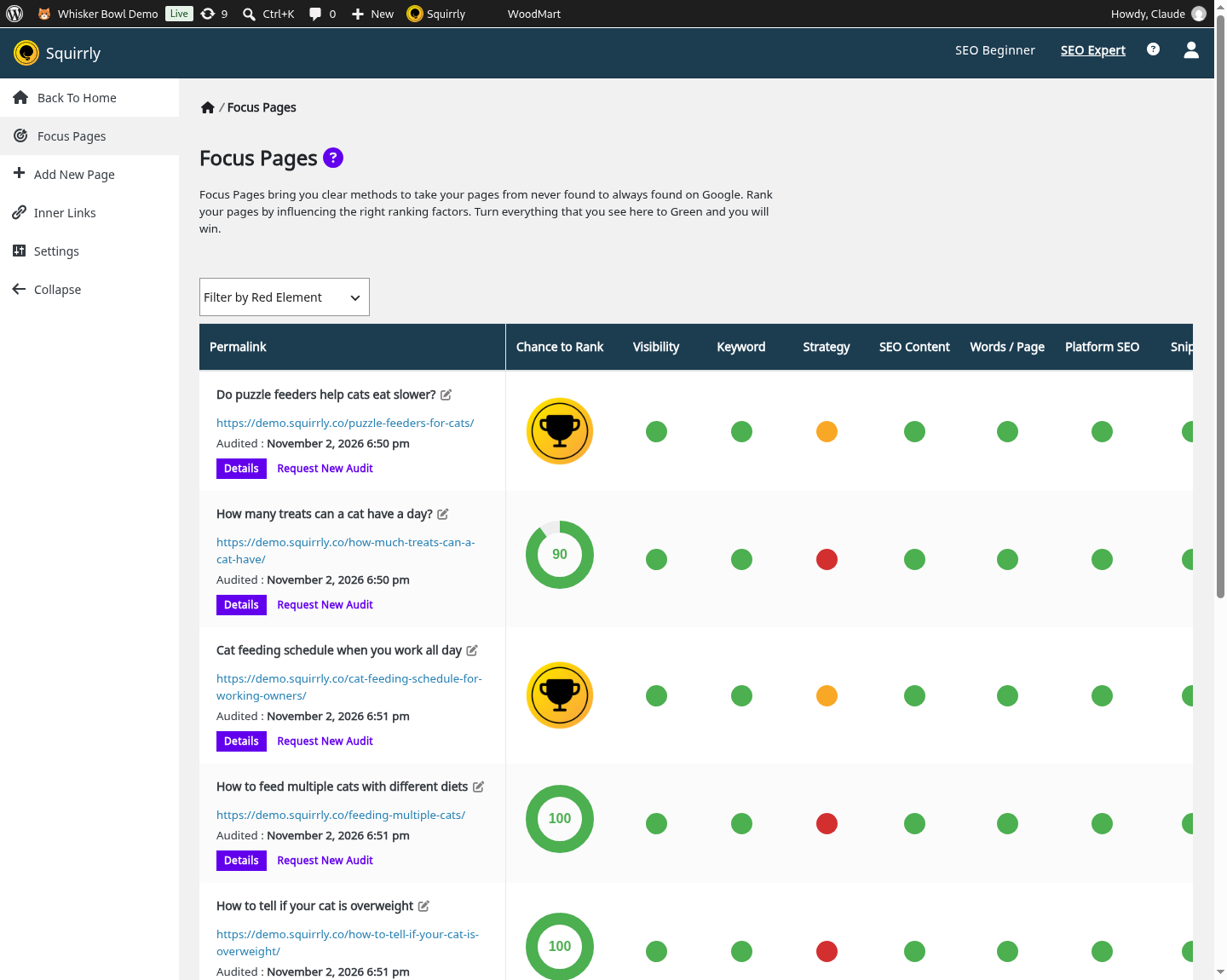
Besides following Google’s SEO requirements, Squirrly also lets you measure your content’s results inside the plugin.
Use Google Rankings and the GEO Audit to see how your site is doing. Google Rankings needs the Business Plan or one of the Web Dev Kit plans.
You can find more details about the 650+ features that Squirrly provides for SEO here >>