Remove the Squirrly frontend.css from the source code
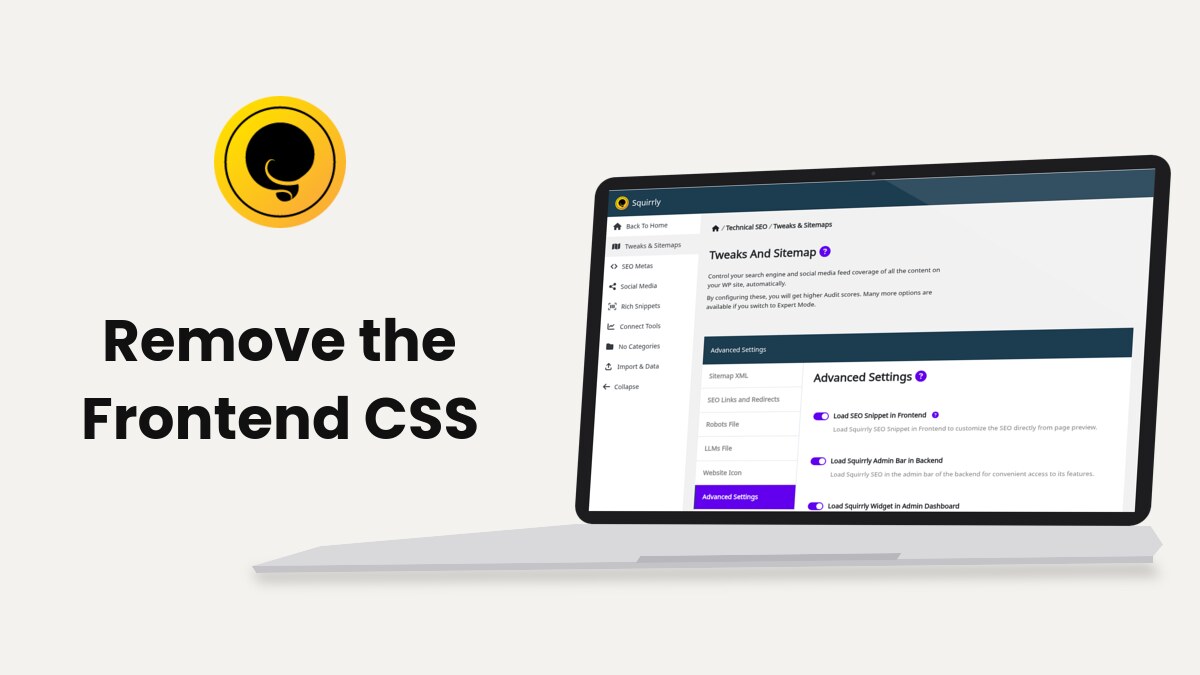
Squirrly SEO adds the file frontend.min.css to your pages only when Load Squirrly Frontend CSS is on in Squirrly > Technical SEO > Tweaks & Sitemaps > Advanced Settings. Turn the switch off to remove it, or add one line to wp-config.php to block it whatever the switch says.
What the file does
The Blogging Assistant inserts tweets, Wikipedia quotes and blog articles into a post as boxes. frontend.min.css gives those boxes their border, width and font on the live site. If your posts have no such boxes, the file isn’t needed.
The switch is off by default in Squirrly SEO 14.2.9. On demo.squirrly.co, the test store used for these guides, it is off and the file isn’t in the page source.
Check if the file loads
- Open a post on your site and press Ctrl+U (Cmd+Option+U on a Mac) to see the source.
- Search the source for frontend.min.css.
When the file loads, you find a line like this one:
<link rel='stylesheet' id='aca33b9c04-css' href='https://example.com/wp-content/plugins/squirrly-seo/view/assets/css/frontend.min.css' media='all' />Turn it off from the settings
- Click SEO Expert in the top bar of any Squirrly screen. The Advanced Settings tab shows only in this mode.
- Go to Squirrly > Technical SEO > Tweaks & Sitemaps and open Advanced Settings.
- Turn off Load Squirrly Frontend CSS.
- Click Save Settings, then purge your cache plugin.
Advanced Settings explains the other switches on the same tab.
Block it from wp-config.php
The constant SQ_NOCSS stops the file from loading even when the switch is on. Use it when other people manage the plugin settings and you want the file gone for good.
- Download a copy of wp-config.php from the site root before you edit it. A typo in this file stops the whole site from loading.
- Open wp-config.php in your hosting File Manager or over FTP.
- Add this line above the line that says “That’s all, stop editing!”:
define( 'SQ_NOCSS', true ); - Save the file and purge your cache plugin and CDN.
Remove the line to let the switch decide again. Squirrly also skips the file by itself on ajax requests and in the previews of page builders like Elementor, Bricks and Zion Builder.
Troubleshooting
The file still shows in the source
Your cache plugin or CDN is serving a page saved before the change. Purge both caches and open the source in a private window.
The boxes in my posts lost their border
Those posts use Blogging Assistant boxes, which need the file. Turn Load Squirrly Frontend CSS back on and remove the SQ_NOCSS line if you added it.
Frequently asked questions
Does removing frontend.min.css change my SEO?
No, the file only styles the Blogging Assistant boxes and has nothing to do with the metas.
Which one wins, the switch or SQ_NOCSS?
SQ_NOCSS wins, so the file stays off while the line is in wp-config.php.
Does the file load in the WordPress admin?
No, Squirrly adds it only to the pages of the live site.
Related tutorials
- Advanced Settings: all the switches on the Advanced Settings tab.
- Blogging Assistant: the tool that inserts the boxes this file styles.
- How To Prevent frontend.min.css From Loading On My Website?: the short FAQ version of this guide.
- Check METAs with and without Squirrly SEO: read the page source the same way.