Add Custom JSON-LD Structured Data
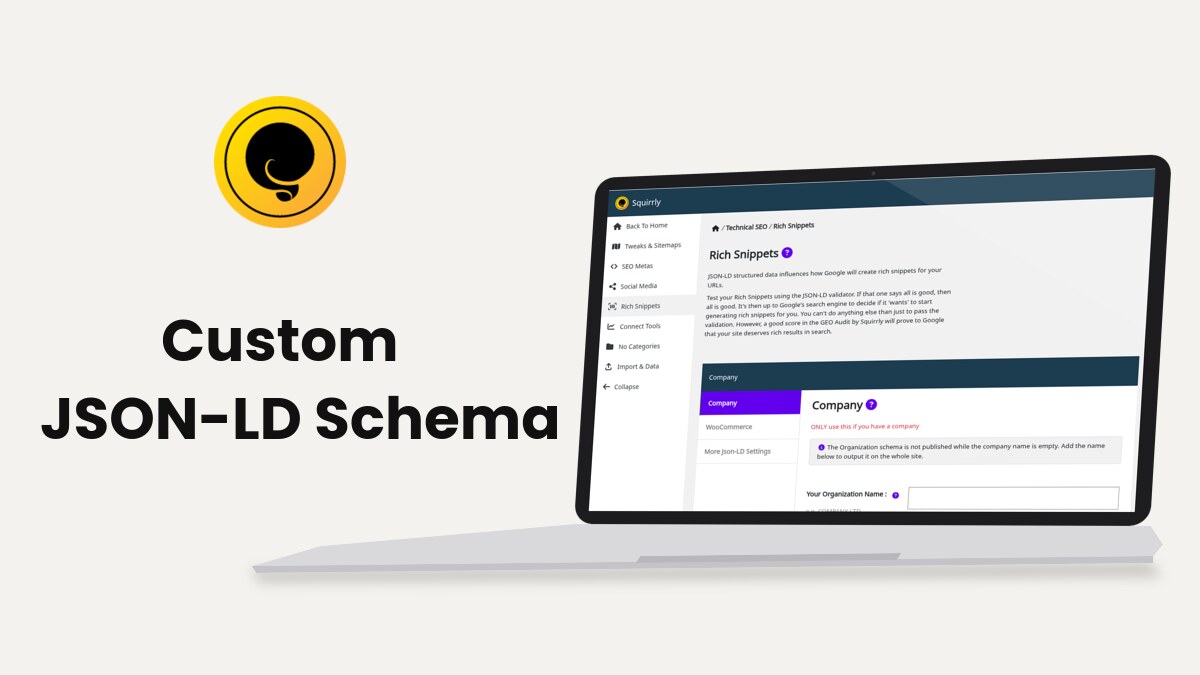
Squirrly SEO lets you replace the automatic JSON-LD of one page with your own code, from the Custom Schema tab of the SEO Snippet. Developers can do the same for many pages with three filters in functions.php.
For the automatic schema and its settings, start with JSON-LD Structured Data. This guide is for the cases the automatic schema doesn’t cover.
Add custom JSON-LD to one page
- Open the page in the WordPress editor and scroll to the SEO Snippet box. You can also open it from Squirrly > Optimize > Bulk SEO.
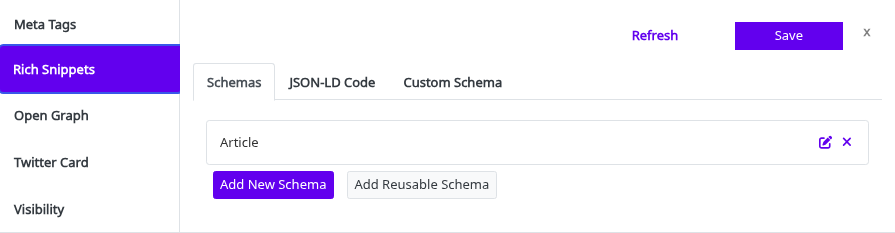
- Go to the Rich Snippets tab.
- Open Custom Schema and change (Auto) to Custom Code.
- Paste your code in Custom JSON-LD Code. The script tags are optional.
- Click Save.
The help line under the field links to a schema generator if you’d rather not write the code by hand. Bulk SEO shows the same field inside the snippet.
Here is the kind of code the field takes. The values are placeholders:
{
  "@context": "https://schema.org",
  "@type": "Organization",
  "url": "https://www.example.com",
  "name": "Your Company",
  "contactPoint": {
    "@type": "ContactPoint",
    "telephone": "+1-401-555-0100",
    "contactType": "Customer Service"
  }
}
What Squirrly does with the code
| Case | Result |
|---|---|
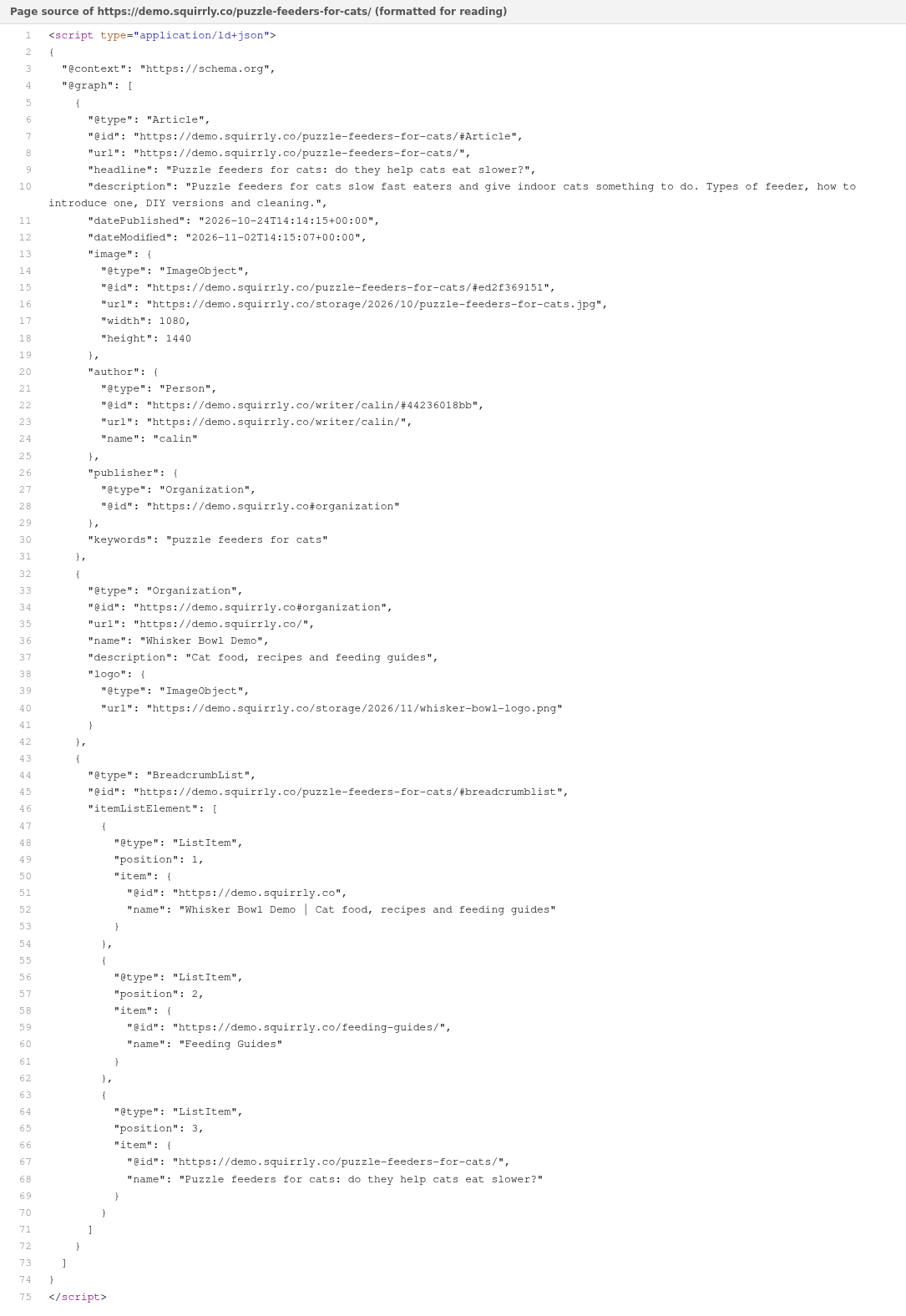
| Valid JSON | Printed in the page head inside one <script type="application/ld+json"> tag |
| Code wrapped in script tags | The tags are removed and Squirrly adds its own |
| Code that isn’t valid JSON | Not printed on the page |
| Other schema types of the page | Ignored while custom code is active |
While custom code is on, the Schemas list says “This page uses a Custom Schema.” and offers Open Custom Schema tab. Switch back to (Auto) to get the automatic schema again.
Check the result with Validate JSON-LD on the Rich Snippets tab. With the Advanced Pack the button is on the JSON-LD Code tab. It opens the Google Rich Results Test with your code.
Where the code goes
Open the Rich Snippets tab of the snippet. The schemas Squirrly adds by itself are listed there; the custom code replaces them on that page.
Add custom JSON-LD from an ACF field
With the Advanced Custom Fields plugin active, create a field named _sq_jsonld_custom on the post type and paste the code in it on each post. Squirrly prints it as the JSON-LD of that post.
Code saved in the SEO Snippet comes first. The ACF field is read only when the snippet has no custom code. Squirrly SEO & Advanced Custom Fields has the field setup.
Add JSON-LD with filters
The filters run on the front end for every page that loads the Squirrly JSON-LD. Put the code in the functions.php file of a child theme or in a small plugin, so a theme update doesn’t remove it.
| Filter | What it gets | Use it to |
|---|---|---|
sq_structured_data_type_for_page | The list of schema types for the page | Register a new type |
sq_json_ld_data | The array of schemas Squirrly is about to print | Add or change a schema in the @graph |
sq_json_ld | The finished script tag, as text | Replace the whole output |
Add a schema next to the Squirrly ones
Register the type first, then add the data. A schema whose type isn’t registered is left out.
// Register the Service type for the page
add_filter( 'sq_structured_data_type_for_page', function ( $types ) {
    $types[] = 'Service';
    return $types;
} );

// Add the Service schema to the Squirrly graph
add_filter( 'sq_json_ld_data', function ( $data ) {
    if ( ! is_page( 'grooming' ) ) {
        return $data;
    }
    $data[] = array(
        '@type'      => 'Service',
        '@id'        => get_permalink() . '#service',
        'name'       => 'Cat grooming',
        'areaServed' => 'Your City',
        'provider'   => array(
            '@type' => 'Organization',
            'name'  => get_bloginfo( 'name' ),
        ),
    );
    return $data;
}, 20 );
The is_page( 'grooming' ) check limits the schema to one page. The values are an example. Use priority 20 or later for sq_json_ld_data, because the Advanced Pack builds its list of schemas in the same filter at priority 10.
Squirrly wraps the array in @context and @graph for you, next to the automatic schemas. How to use a custom hook for areaServed schema is another worked case.
Replace the whole JSON-LD output
sq_json_ld at priority 100 runs after Squirrly has built the script tag, so whatever it returns is what the page prints.
add_filter( 'sq_json_ld', function ( $json ) {
    if ( ! is_page( 'contact' ) ) {
        return $json; // keep the Squirrly JSON-LD on every other page
    }
    return '<script type="application/ld+json">
    {
      "@context": "https://schema.org",
      "@type": "ContactPage",
      "name": "Contact"
    }
    </script>';
}, 100 );
Without the page check, the same code would replace the JSON-LD of every page on the site.
Troubleshooting
The custom code doesn’t appear in the page source
Squirrly doesn’t print code that isn’t valid JSON. Paste it in the Google Rich Results Test, fix the error it reports, then save the snippet again.
“JSON-LD is disable for this Post Type”
The post type has Load JSON-LD Structured Data off in Squirrly > Optimize > Automation (see Automation). Turn it on, or the custom code won’t load either.
The filter code has no effect
Check that JSON-LD Structured Data is on in Squirrly > All Features, then raise the priority of your sq_json_ld_data filter above 10.
Frequently asked questions
Do I need the script tags in Custom JSON-LD Code?
No, Squirrly removes any script tags you paste and adds its own.
Does custom code replace the breadcrumbs too?
Yes, while custom code is active only your code is printed for that page.
Can I add custom code to every post of a type at once?
Use the sq_json_ld_data filter, or a reusable schema with the Advanced Pack.
Related tutorials
- JSON-LD Structured Data: the Rich Snippets settings and the automatic schema.
- Bulk SEO & Snippet: open the SEO Snippet of any page.
- Use ACF fields in Squirrly SEO schemas: fill schema fields from ACF.
- Web Dev Kit: the other ways developers can change the plugin.