How to Use a Custom Hook in WordPress for areaServed Schema
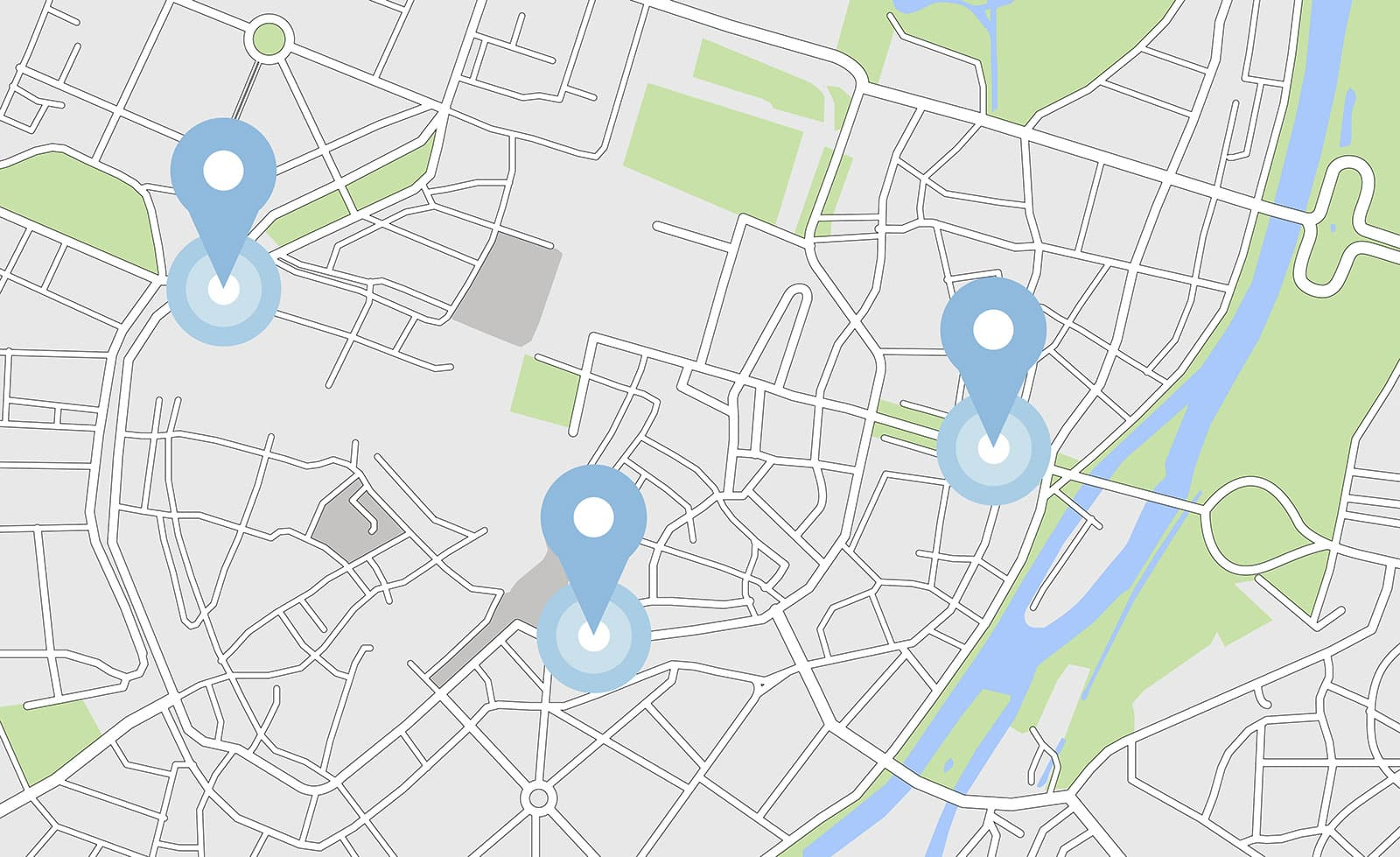
Schema.org provides a set of standardized tags that can be added to your website’s HTML to help search engines and other web services understand the content and context of your website. The areaServed property tells search engines which geographic area your business or organization serves.
This tutorial uses two Squirrly SEO hooks, sq_structured_data_type_for_page and sq_json_ld_data, to add a PoliceStation schema with areaServed to your website’s pages. The same steps work for any LocalBusiness type.
Step 1: Create a custom hook in functions.php
The first step is to create a custom hook that will add the areaServed schema to your website’s home pages. To do this, add the following code to your functions.php file:
add_filter('sq_structured_data_type_for_page', function($type){
  $type[] = 'PoliceStation';
  return $type;
});
This code adds ‘PoliceStation’ to the schema types Squirrly prints on your website’s pages. Without it, Squirrly leaves out the PoliceStation data you add in Step 2.
Step 2: Add the areaServed schema to your page. To do this, add the following code to your functions.php file:
add_filter('sq_json_ld_data', function($data){
  global $post;
  if(isset($post->ID) && $post->ID > 0) {
	$current = SQ_Classes_ObjController::getClass( 'SQ_Models_Frontend' )->setPost( $post )->getPost();
	if ( $current->post_type === 'home' ) {

		$data[] = [
			"@type"           => "PoliceStation",
			"name"            => "Youngstown Central Police Station",
			"description"     => "Central police station",
			"openingHours"    => "Mo-Su",
			"telephone"       => "+13305550100",
			"email"           => "ohio.police.example@example.com",
			"image"           => "https://example.com/wp-content/uploads/police-station.jpg",
			"address"         => [
				"@type"           => "PostalAddress",
				"addressLocality" => "Youngstown",
				"addressRegion"   => "OH",
				"postalCode"      => "44507",
				"streetAddress"   => "270  Derek Drive"
			],
			"areaServed"      => [
				"@type"       => "GeoCircle",
				"geoMidpoint" => [
					"@type"     => "GeoCoordinates",
					"latitude"  => 41.108237,
					"longitude" => - 80.642982
				],
				"geoRadius"   => 1000
			],
			"aggregateRating" => [
				"@type"       => "AggregateRating",
				"bestRating"  => 100,
				"worstRating" => 0,
				"ratingValue" => 88,
				"reviewCount" => 122
			]
		];
	}
  }

  return $data;
},11);
This code adds the areaServed schema to the ‘home’ page type.
You don’t need an “@context” line in each item. Squirrly prints all the JSON-LD items inside one @graph that already has "@context": "https://schema.org".
You can modify this code to add the schema to other page types or to add additional schema types.
The following hook will add the areaServed schema on all pages.
add_filter('sq_json_ld_data', function($data){
	$data[] = [
		"@type"           => "PoliceStation",
		"name"            => "Youngstown Central Police Station",
		"description"     => "Central police station",
		"openingHours"    => "Mo-Su",
		"telephone"       => "+13305550100",
		"email"           => "ohio.police.example@example.com",
		"image"           => "https://example.com/wp-content/uploads/police-station.jpg",
		"address"         => [
			"@type"           => "PostalAddress",
			"addressLocality" => "Youngstown",
			"addressRegion"   => "OH",
			"postalCode"      => "44507",
			"streetAddress"   => "270  Derek Drive"
		],
		"areaServed"      => [
			"@type"       => "GeoCircle",
			"geoMidpoint" => [
				"@type"     => "GeoCoordinates",
				"latitude"  => 41.108237,
				"longitude" => - 80.642982
			],
			"geoRadius"   => 1000
		],
		"aggregateRating" => [
			"@type"       => "AggregateRating",
			"bestRating"  => 100,
			"worstRating" => 0,
			"ratingValue" => 88,
			"reviewCount" => 122
		]
	];

	return $data;
},11);
Step 3: Test your schema
To test your schema, you can use the Google Rich Results Test. Enter the URL of the page you want to test, and the tool will show you the structured data that it detects on your page.
A note on the aggregateRating part of the example: Google doesn’t show review stars for ratings a business publishes about itself on its own site (self-serving reviews of a LocalBusiness or Organization). The markup is still valid, but don’t expect stars in the search results from it. Replace the image URL, the address and the numbers with your own data.
More hooks and a simpler way to add schema to one page are in Add custom JSON-LD structured data.