The Squirrly SEO Patterns List
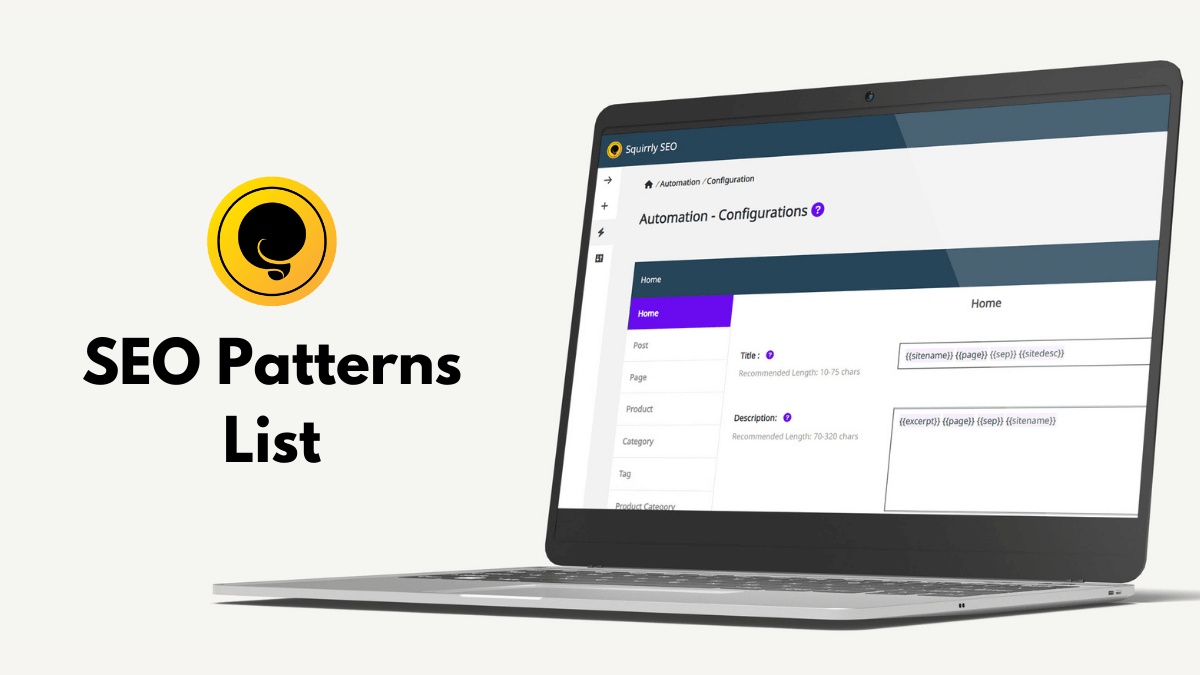
This is the complete list of patterns you can use in Squirrly SEO Automation (Squirrly > Optimize > Automation), in the SEO Snippet and in Reusable Schemas. Each pattern is replaced with real data when the page loads.
{{date}} | Displays the post/page’s publishing date. |
{{title}} | Adds the published title of the post/page/term. |
{{url}} | Displays the URL of the current post/page/term. |
{{page}} | Displays the number of the current page (i.e. 1 of 6) |
{{parent_title}} | Adds the title of a page’s parent page. (according to how it’s set up in Page Attributes) |
{{sitename}} | Adds the site’s name. (as it’s set up in Settings > General > Site Title) |
{{sitedesc}} | Adds the site’s description. (as it’s set up in Settings > General > Tagline) |
{{excerpt}} | Will display an excerpt from the post/page, as it appears in the excerpt field in WordPress for that particular page/post. If NOT customized, the excerpt will be auto-generated, displaying the first lines of text from your post/page. |
{{excerpt_only}} | Will display an excerpt from the post/page, as it appears in the excerpt field in WordPress for that particular page/post. As opposed to the {{excerpt}} Pattern, there’s NO auto-generation for {{excerpt_only}}; if the excerpt field is NOT customized, {{excerpt_only}} will NOT display anything. ! Additional info: If the excerpt field is not enabled/visible on your Page and Post dashboard, you need to enable it via Screen Options. Keep in mind that some themes may lack to create this field on Page. |
{{tag}} | Includes the tag(s) that is/are assigned to the post in the post description. Several tags are comma-separated. |
{{category}} | Displays the name of the category that’s assigned to that post/page. If the post/page is assigned to multiple categories, the names of the categories will be comma-separated. |
{{primary_category}} | Adds the name of the primary category that is assigned to a post/page. |
{{category_description}} | Includes the description of the category that is assigned to a post in the post description (as it’s defined in Edit Category > Description field) |
{{tag_description}} | Adds the tag’s description (as it’s defined in Edit Tag > Description field) |
{{term_description}} | Adds the term description. |
{{term_title}} | Adds the title/name of the term that’s assigned to the post. ! Additional info: In WordPress, terms refer to the items in a taxonomy. (read more about it here) |
{{searchphrase}} | Displays the search phrase. (if it appears in the post) |
{{sep}} | Places a separator between the elements of the post description. |
{{modified}} | Every post has the date it was modified registered in the database. This pattern replaces the publication date of a post/page with the modified one and displays it. |
{{name}} | Displays the name of the Author assigned to that post. (on posts and pages, it’s the Nickname from the author’s Profile in WordPress) |
{{user_description}} | Adds the biographical info of the Author assigned to that post to the post description (as it appears in Profile > Biographical info section in WordPress) |
{{single}} | Displays the singular label of the post type (for example “Post” or “Product”). |
{{plural}} | Displays the plural label of the post type (for example “Posts” or “Products”). |
{{currentdate}} | Displays the current date. |
{{keyword}} | Adds the post’s keyword to the post description. (this information is retrieved from the Squirrly SEO Snippet) |
{{currentday}} | Adds the current day. |
{{currentmonth}} | Adds the current month. |
{{currentyear}} | Adds the current year. |
{{product_name}} | Adds the product name for the selected WooCommerce product. |
{{product_description}} | Adds the product description for the selected WooCommerce product. |
{{product_price}} | Adds the product price for the selected WooCommerce product. |
{{product_price_with_tax}} | Adds the product price with tax for the selected WooCommerce product. |
{{product_sale}} | Adds the sale price for the selected WooCommerce product. |
{{product_currency}} | Adds the product currency for the selected WooCommerce product. |
{{product_brand}} | Adds the product brand for the selected WooCommerce product, including brands from WooCommerce Brands. |
{{org_name}} | Adds the name of your organization as set in Squirrly’s Rich Snippets. |
{{org_description}} | Adds the description of your organization as set in Squirrly’s Rich Snippets. |
{{org_logo}} | Adds the logo URL of your organization as set in Squirrly’s Rich Snippets. |
{{org_url}} | Adds the URL of your organization as set in Squirrly’s Rich Snippets. If it’s empty, the site’s home URL is used. |
{{org_phone}} | Adds the telephone number of your organization as set in Squirrly’s Rich Snippets. |
{{customfield(field_name)}} | Adds the custom field data based on the current post ID. More details here. |
{{customfields(field_name|array_key)}} | Adds one key from a custom field that stores an array, based on the current post ID. More details here. |
If the custom field is a WP hidden field (its name starts with an underscore, like _my_field), Squirrly leaves it out of the patterns list. To show hidden fields in the list, add this line to your child theme’s functions.php file or to a must-use plugin:
add_filter('sq_show_hidden_patterns', '__return_true');Don’t add it to wp-config.php. WordPress loads wp-config.php before add_filter() exists, so the line would stop the site with a fatal error.
Patterns & Automation
Learn how to use the Patterns in Squirrly SEO Automation and in Reusable Schemas.