Compatibility with Polylang Plugin
Polylang plugin
Polylang is a WordPress plugin for bilingual and multilingual sites. You write posts and pages, create categories and tags as usual, and then set the language for each of them.
Squirrly SEO works with Polylang and with Polylang Pro. It reads the language Polylang set for each post and page, and which posts and pages have a translation in that language. When either plugin is installed, Squirrly > All Features also shows a Polylang card that links to this page.
What you get when you use Polylang with Squirrly SEO:
- SEO meta fields for each language. Each translation is its own post in WordPress, so it has its own SEO Snippet and you can optimize every language version.
- Posts listed by language. Bulk SEO lists the posts in the language you pick with the Polylang language switcher in the WordPress admin bar. If you have posts in English and posts in Spanish, you can show only the English ones or only the Spanish ones while you work in Squirrly > Optimize > Bulk SEO.

Sitemap XML with Polylang
Go to Squirrly > Technical SEO > Tweaks & Sitemaps > Sitemap XML. There you can turn on Combine Languages in Sitemap.
The switch shows only when Polylang or Polylang Pro is installed, and only in the SEO Expert view.
With Combine Languages in Sitemap turned on, all languages go into the same sitemap.xml file.

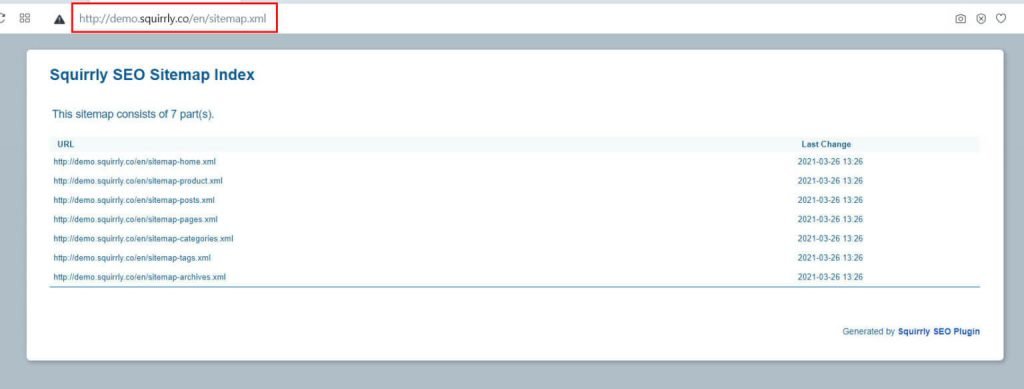
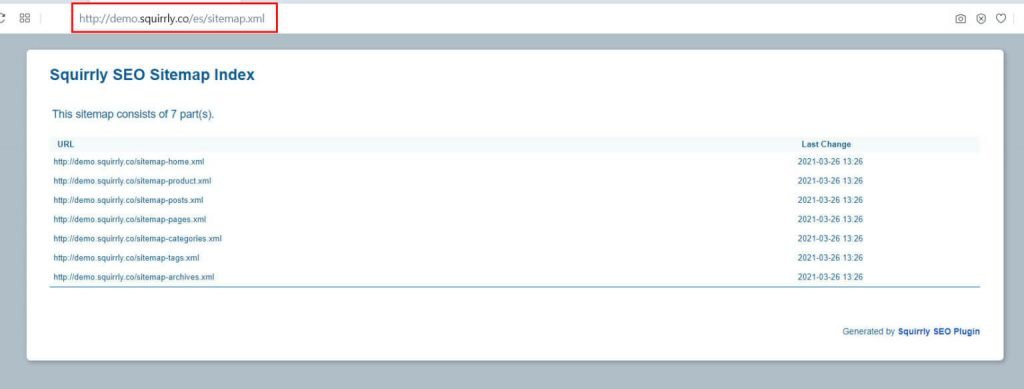
By default (switch off), each language gets its own sitemap.xml, and you add the language slug to the address, for example /en/sitemap.xml.
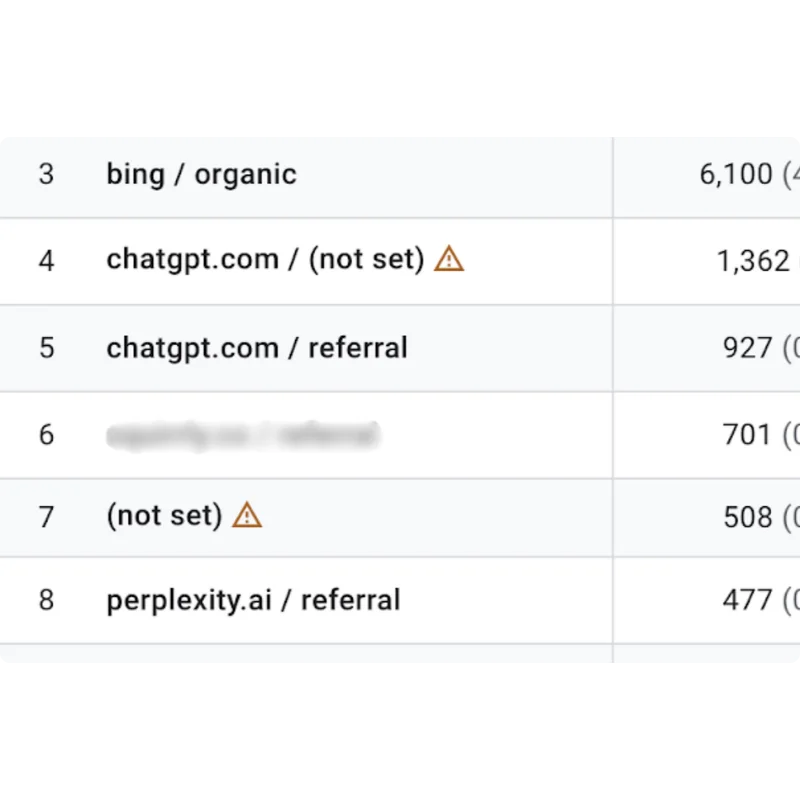
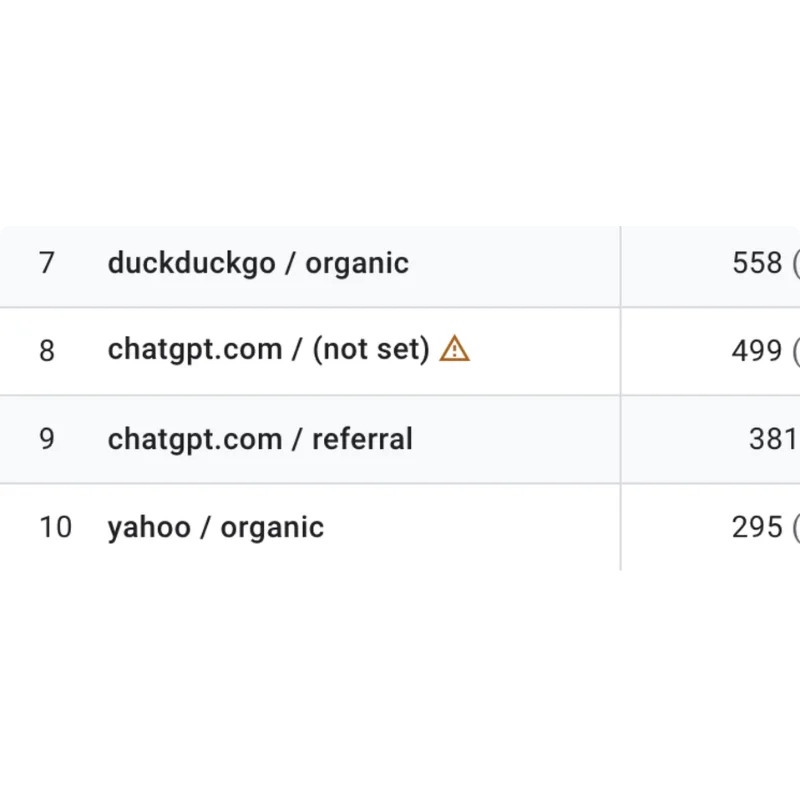
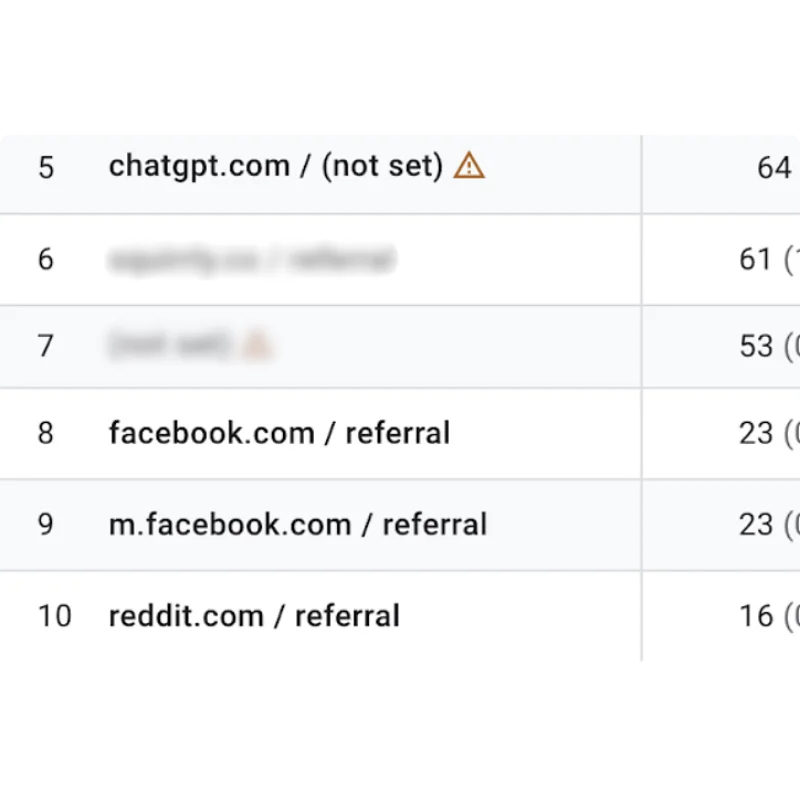
So all posts in English go into one sitemap.xml file and all posts in Spanish go into another one, as in the two examples below.
The other sitemap settings are in Sitemap XML Settings.
Bulk SEO with Polylang
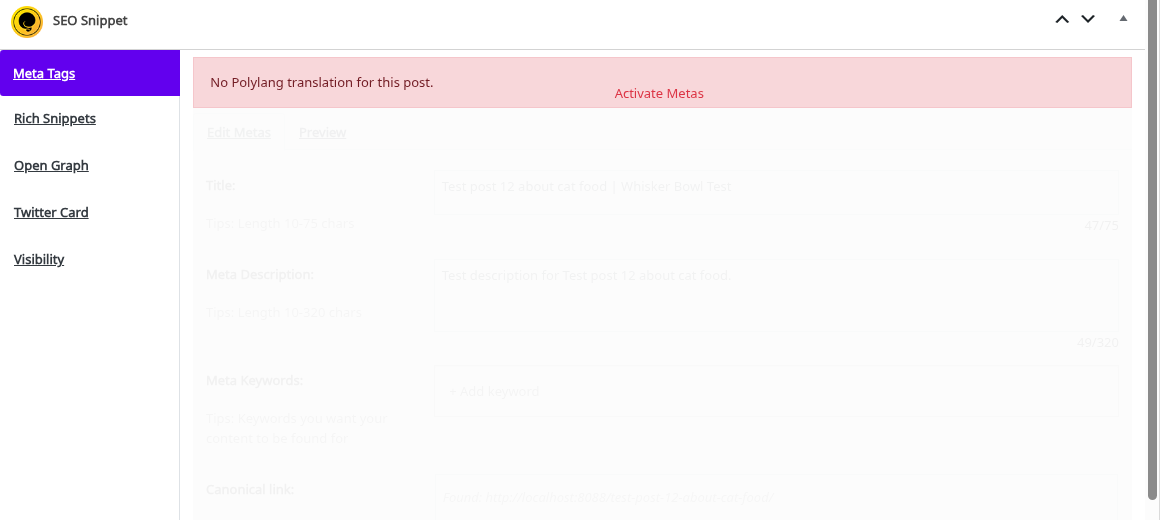
When a post or page has no translation in the Polylang default language, Squirrly shows this message: No Polylang translation for this post.
You can still optimize the Snippet, but it doesn’t belong to a translation in that language. Open the post in Edit Post and check the language Polylang set for it.