Does Squirrly SEO Work on WP Multisite?
Yes. Even though they are part of the same WordPress installation, Squirrly SEO treats each sub-site as an individual website with no connection to the others within the Multisite network.
Since each sub-site is considered a separate/new website, you’ll need to connect each one from WP Multisite with Squirrly Cloud, from the Squirrly > First Step screen of that sub-site. Use the same email address for every sub-site if you want them all under one Squirrly account.
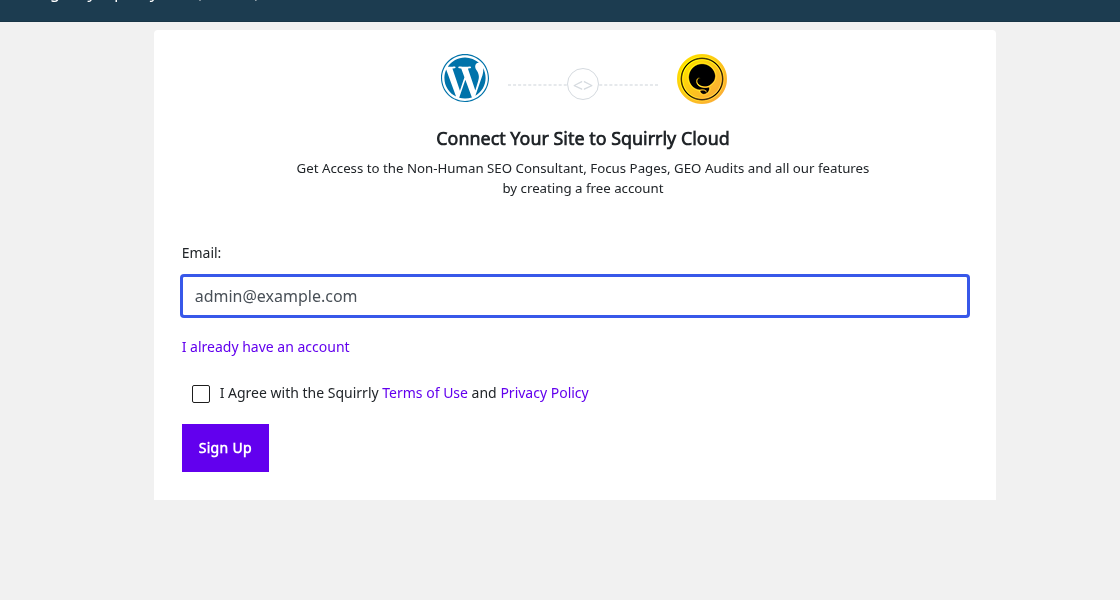
Every sub-site counts as one website toward your plan’s limit. Your limit is on Account Info in Squirrly Cloud, under Websites to Connect. To connect more sub-sites, upgrade your plan.
If you connect more websites than your plan allows by mistake, you can remove the extra websites. You see the websites connected to your account in Squirrly Cloud at https://cloud.squirrly.co/. To remove one, open Squirrly in that sub-site’s dashboard, click the account icon in the Squirrly header and click Disconnect. The steps are in Squirrly Cloud App: Disconnect a site.
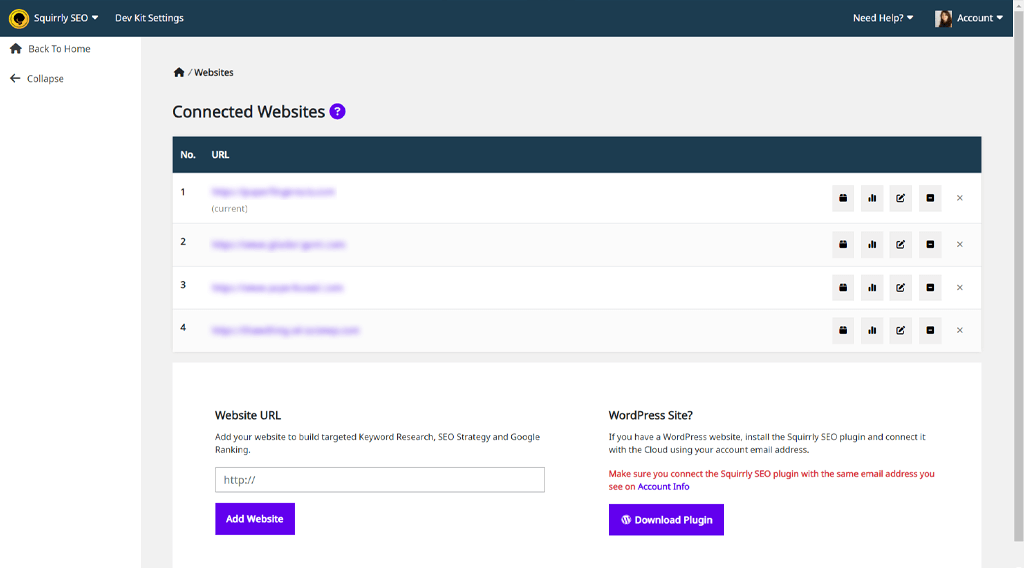
How do you know if you have too many websites connected to Squirrly?
Once you connect too many websites to Squirrly, you will get a warning box in the WordPress post editor, in the Squirrly Live Assistant.
Once you remove the extra websites, the warning will disappear and you can continue to use the Squirrly Live Assistant on your website.
Squirrly will not remove or deactivate on-page metas if you connect too many websites by mistake. Disconnecting a site doesn’t remove them either: your SEO titles, descriptions and settings stay in WordPress.
More about Multisite: Does Squirrly work on Multisite installs?